

Detailed event timelines are one of the most important parts of event planning.
Successful event planning is not an easy task, requiring the coordination of many different moving parts and people. You have to juggle logistics, suppliers, paperwork and marketing campaigns, all to a strict and unmovable deadline. With so much going on at once, it’s easy for important details to be missed.
Having a structured event timeline helps planners stay organised, manage tasks effectively, and avoid last-minute stress. They keep all of the moving parts on track, so that each element comes together to create the unforgettable events we all know and love.

Event timelines offer a chronological view of all of the tasks, milestones and deadlines for a particular event.
The timelines are designed to make projects simpler for planners, clients, and suppliers by mapping out upcoming tasks, so it’s easy to see what’s approaching and stay on track.
Typically, event timelines are created by starting with the show day, before filling in key milestones, deadlines, tasks and dates. This could be important sign-off deadlines, technical & electrical plan submission dates, campaign launches, or even finer details like supplier arrival times.
Popular event timeline types include:
Since they are such a fundamental part of event planning, event timelines can usually be integrated with or built using a project management software like Monday.com.
For most managers, event timelines are the holy grail of event planning and the organisational backbone behind the shows.
They ensure each task is accounted for and handled on time. Let’s break down why they’re important:
Reduces cognitive load & stress
Events bring together many different elements. Without an event timeline, it would be very difficult to keep track of everything, and many important details would be lost.
By visualising each of the important factors, an event timeline takes weight off the event planner, reducing cognitive load and stress.
Brings all important info onto one platform & Improves Organisation
Without an event timeline, it’s easy for information to get strewn across different spreadsheets, emails, and calendars. This leaves planners susceptible to missing important details and making mistakes.
Since timelines centralise all of this data in a clear, easy-to-follow plan, they remove this particular risk and make it much easier to stay organised.
Ensures deadlines are met
Event timelines offer a very clear visual guide of the event and upcoming tasks, so it’s very hard to miss a deadline!
Coordinates suppliers & vendors
Managing multiple vendors can feel complex as you have to coordinate arrival times, designated locations in the venue, and offerings. Event timelines can help event planners to organise each of these factors for a smooth event day, making the necessary timings and details clearer.

Now that you understand that event timelines are an event planner’s best friend, let’s get into the details of creating one!
If you’ve read our guides before, you might be familiar with this stage. You cannot build an event timeline without understanding what you would like the event to achieve.
Before building your timeline, clarify:
These details directly influence the rest of the planning process.
When creating an event timeline, it is always best to start by pinpointing the event milestones, such as:
These key milestones create the skeleton of your event timeline, which can then be fluffed out with specific upcoming tasks and deadlines.
For each core milestone, there’s nearly always a range of smaller tasks. The most helpful and effective event timelines break these down into manageable steps.
For example, before you confirm a caterer, you might have to attend meetings to discuss requirements, seek budget approval from higher-ups, or meet for a tasting session.
All of these tasks should be listed in the event timeline. This makes the event feel more achievable, and it also ensures that nothing is missed or overlooked.
The best event timelines don’t just track the lead-up to the event; they also include a comprehensive show day schedule.
In event planning, this timeline is called a Run of Show, and it’s a detailed minute-by-minute or hour-by-hour schedule for the setup, show day and close day, that helps planners keep events on track.
A run of show can include:
These elements apply to:
The Set Up
Whether you have a whole day to prepare or are working with a tight morning turnaround, every minute counts (literally).
This is especially true for very important events like weddings. In many cases, event planners cannot even begin setting up until the big day. This can leave just two or three hours to ensure all of the suppliers are set up, that hair and makeup artists are with the bride on time, and that the venue is dressed, etc.
A run of show is extremely helpful at events like these, where you have to work like a well-oiled machine!
Details for the setup might include:
The Show Day
A lot of people assume that event planning is only really for the lead-up to the show, and underestimate how much detail is needed for the show itself.
Keeping to the show schedule is crucial for starting and ending on time, but it’s also pivotal to the guest experience and the show’s reputation.
The show schedule details can include:
The Show closure & breakdown
Without a timeline for the breakdown activities, events would be carnage. Especially in business halls and festivals, breakdowns involve many contractors, each working with heavy machinery and materials. To ensure the breakdowns are organised, and more importantly, safe, the run of show might include:
While event timelines are helpful to event planners, they are only truly effective when they are also shared with the people and teams involved in bringing the event to life.
Traditional event timelines like Gantt charts show which individuals are responsible for a task or relevant to a particular milestone, as well as displaying the dates they need to be completed by.
By sending them to your own team, venue staff, suppliers and even speakers and presenters, you can ensure everyone gets the full value out of the tool and understands their responsibilities.
When creating an event timeline, it is very important to leave sufficient buffer time to cover any unexpected problems or delays.
Even the most experienced event planners will have to deal with unexpected issues now and again. While you can take all the measures to prevent problems from arising, sometimes suppliers are late, technologies fail, or power cuts occur, causing unavoidable delays.
You can’t completely prevent these issues from arising, but what you can do is build in some additional buffer times, so that if something does happen, you have some time to fix it without stress!
During the show day, this can be as simple as allowing for slightly longer transitions between activities or speakers. Visitors are usually accepting of transitions between 5 and 20 minutes.
On setups and breakdowns, we typically recommend leaving 10 – 20% more time than initially outlined.
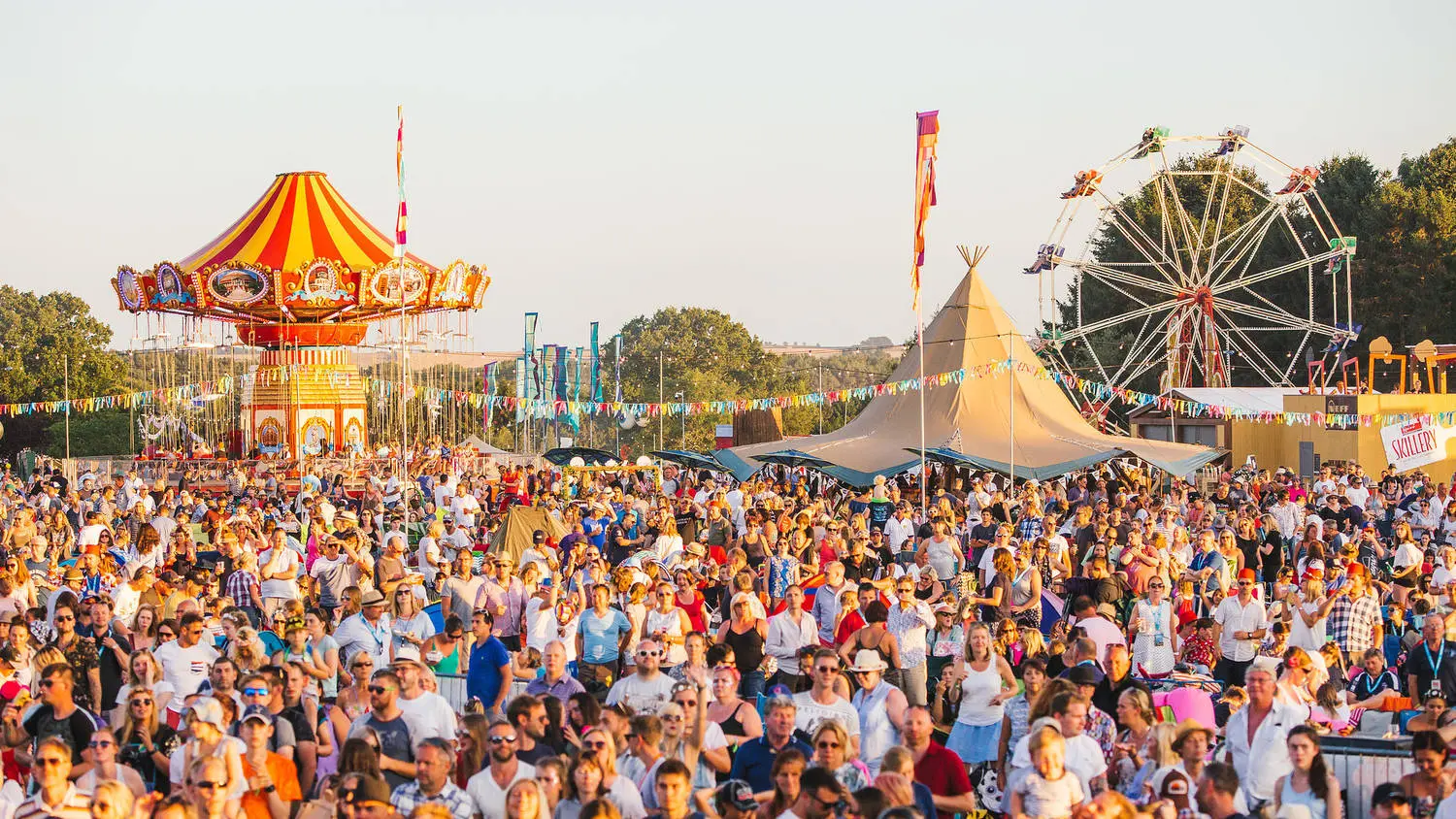
There are a range of tools available that can help you create an event timeline.
Simple Gantt chart templates are widely available and can be found on Google Sheets, Canva, and even Excel.
But for more complicated events, many planners find it useful to use timelines that integrate with project management software.
Some of these include:
It’s worth exploring whether your existing project management software can integrate or host event timelines, as it’s often best to centralise planning to just one software.
While event timelines are a brilliant tool and can help you to deliver great events, there are some common mistakes that make them less effective.
Event timelines are a great tool for keeping you ahead of upcoming tasks. But, in order to remind you of a task, it needs to be logged in the first place.
Sometimes event planners leave off tasks that they consider too “small” or “inconsequential” to track, but with so much to remember already, these often get forgotten.
Many planners fail to include buffer time in their plans or underestimate setup times altogether, leaving them stuck when an issue arises. Building in even just a little redundancy to your timeline means that if there is an issue, you have time to fix it.
Sometimes event planners create thorough and detailed event timelines but fail to share them with their vendors and suppliers. Make sure that your partners receive a copy of the timeline, so they’re in the loop.
Structured event timelines are the key to successful, smooth-running events, and they play a crucial role in achieving deadlines, coordinating suppliers and improving organisation.
By incorporating them into your event planning, you can reduce stress and cognitive load for a much more controlled and relaxed planning experience. No more last-minute panics, trying to remember important tasks, since the timeline will do much of the legwork for you.
Like many event management skills, building the perfect event timeline can take some practice. It’s worth exploring examples online and the event timeline tools available to you, particularly those that integrate with your existing project management software. Happy event planning!
Get a clear overview of our online diplomas, student stories, reviews, and a short course explainer video. Everything you need to see how Event Crowd can help you advance in the events industry.
We’ll send a copy of the brochure directly to your email address.
We’ll send a copy of the brochure directly to your email address.

We’ll use your details to send our brochure directly to you.